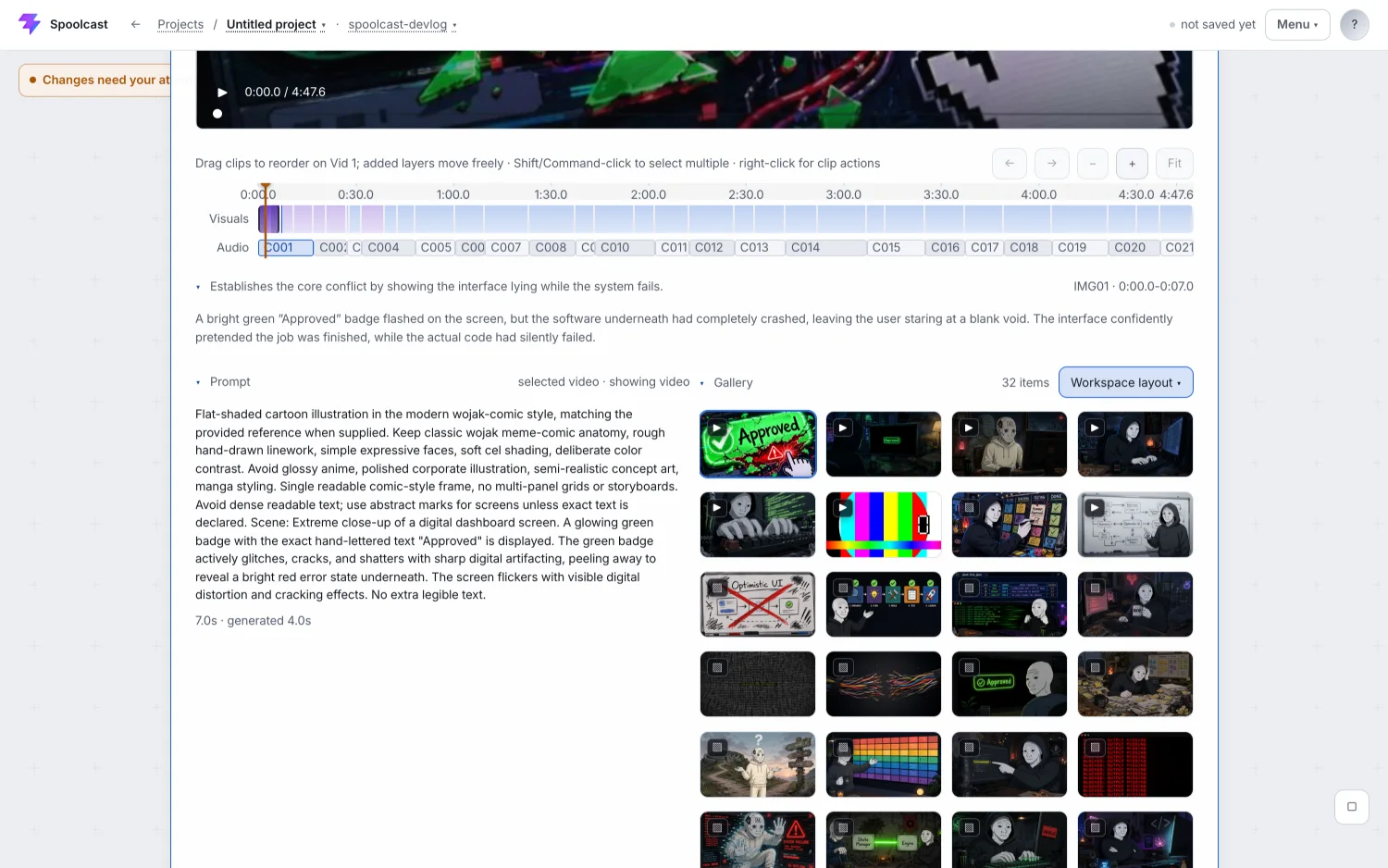
video editing timeline with trim, reorder and undo — spoolcast
A timeline for the finished cut — trim any clip, drag beats into a new order, undo anything, with every edit synced back to the real rendered footage.
What is it?
The final-cut stage of the spoolcast pipeline, where the video the AI assembled stops being take-it-or-leave-it and becomes something you can change.
What it does
- Syncs to the real clips, so the timeline shows actual rendered footage rather than a plan of it
- A trim bar on every clip, drag-to-reorder for beat blocks, and a reset back to full clips
- Undo and redo across the whole project, not just the last thing you touched
- Clip thumbnails are still frames instead of looping video, so a long timeline stays readable
How it works
Takes are named by a permanent shot id rather than by their position in the sequence. That one change removes the whole class of bugs where reordering a beat made a clip lose track of which shot it belonged to. Edits route through the engine instead of being applied in the browser, so the timeline and the render can never disagree about what the video is.
Built with
Python engine, React + TypeScript + Vite front end on Cloudflare Pages, ffmpeg and Remotion for render.
stack
screenshots